

Overview
The Prompts plugin connects the Prompt Repository to inference. It loads committed prompt versions from the config store and prepends their messages to Chat Completions and Responses requests. It also merges model parameters from the stored version with the incoming request (request values take precedence). What it does:- Resolves which prompt and version to apply per request (default: HTTP headers).
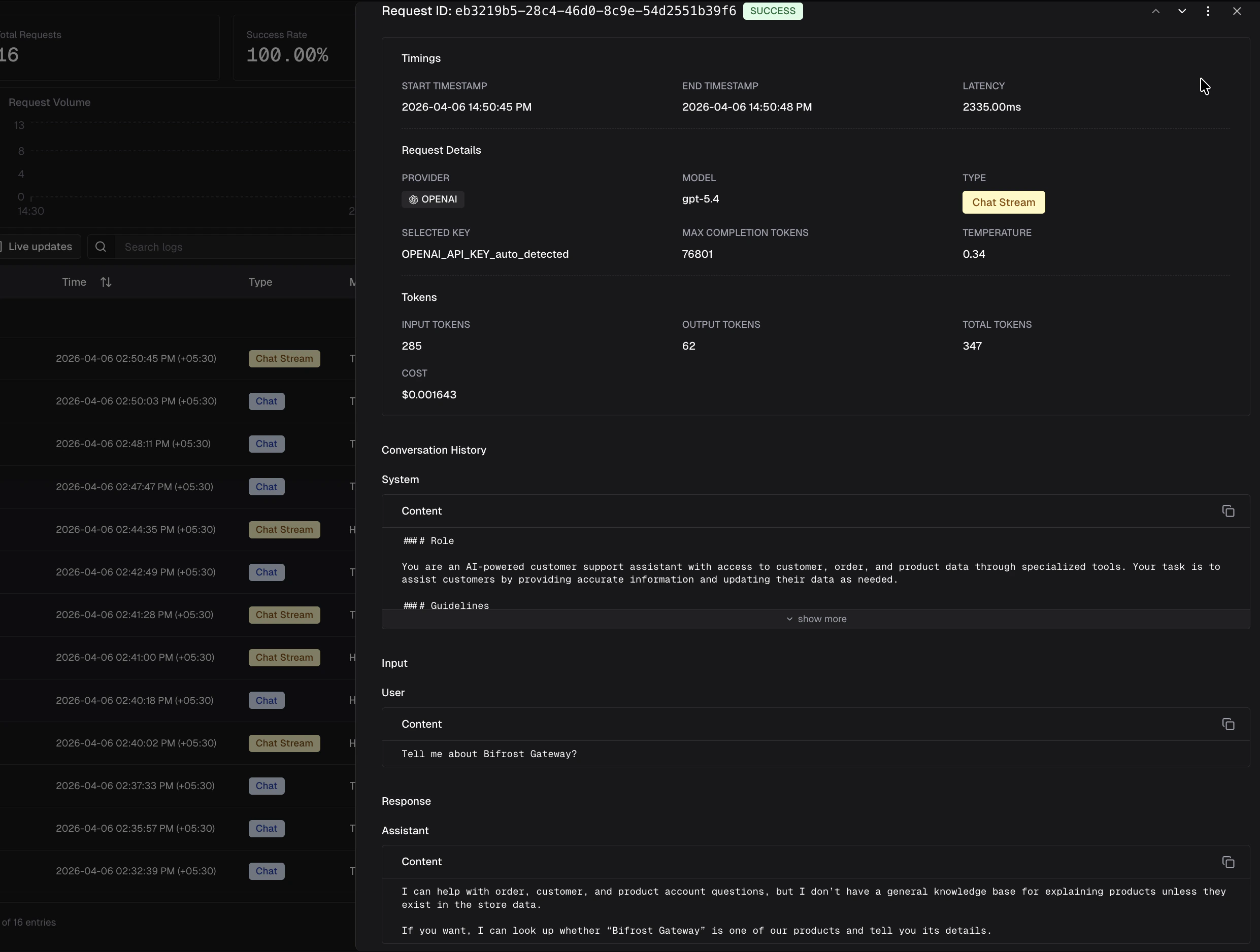
- Injects the version’s message history before the client’s messages.
- Applies the version’s
modelparameters as defaults, then overrides with whatever the client sent for the same parameters.
Prerequisites
- Config store with Prompt Repository tables (typically PostgreSQL). File-backed config alone does not store prompts.
- Prompts authored and committed as versions in the UI or via the
/api/prompt-repo/...HTTP API (seedocs/openapi/openapi.yamlin the repository). - A prompt ID (UUID) for each prompt you reference at runtime. You can read it from the repository API or the playground.
How it works
- Transport (HTTP): Incoming headers
x-bf-prompt-idandx-bf-prompt-versionare copied onto the Bifrost context (header name matching is case-insensitive). - Resolve: The plugin looks up the prompt and the requested version. If
x-bf-prompt-versionis omitted, the prompt’s latest committed version is used. - Parameters: Version
modelparameters are merged into the request; any field already set on the request wins. - Messages: Messages from the committed version are prepended to
messages(chat) orinput(responses). Your request body adds the user turn(s) after the template.
HTTP headers (gateway)
Invalid or unknown IDs / versions are logged as warnings; the request is not failed by the plugin (it proceeds without template injection).
On enterprise, a matching prompt deployment selects the version server-side and overrides
x-bf-prompt-version. The header is honoured only when no deployment matches.Example: Chat Completions
Use the same JSON body as a normal chat request. Only the headers select the template.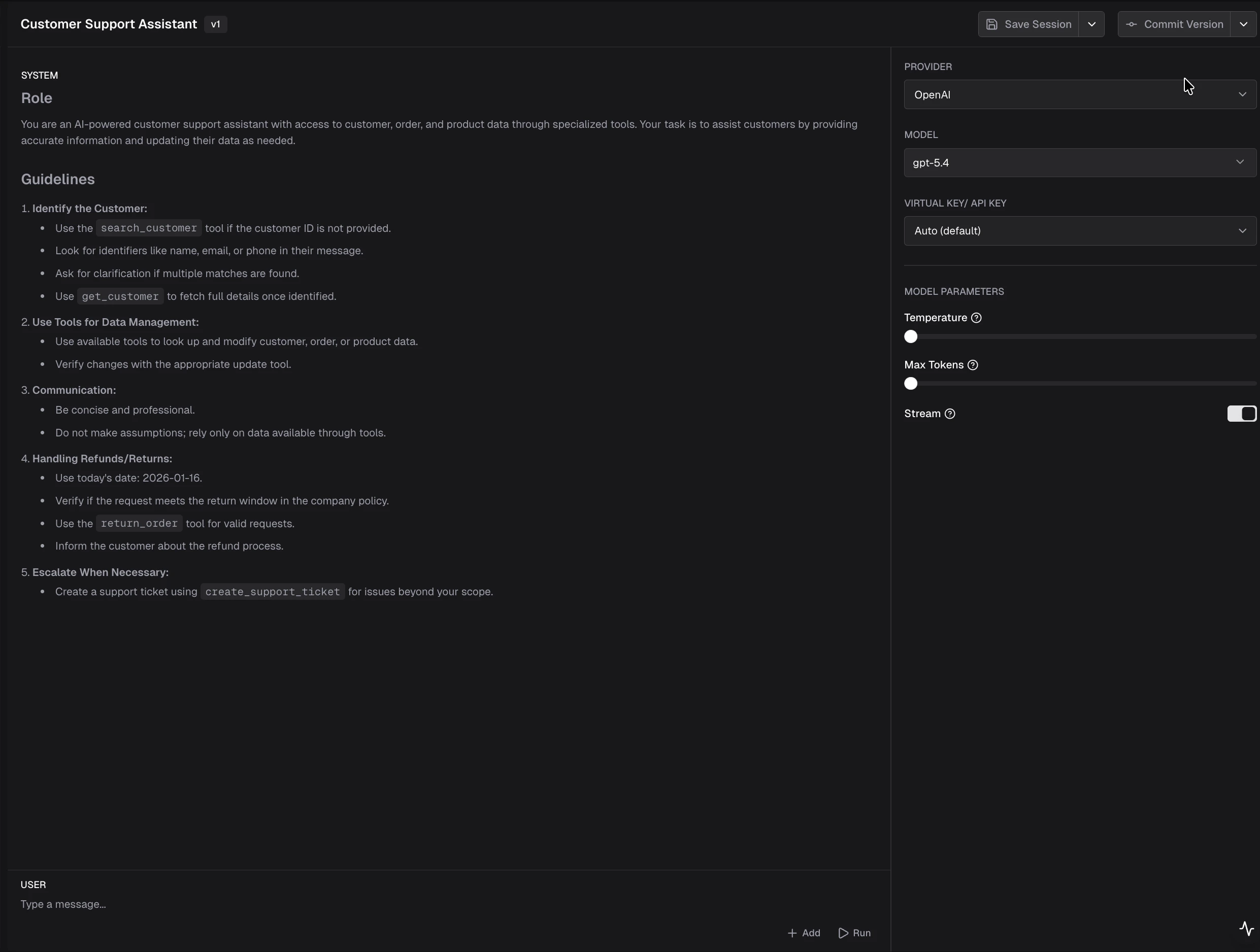
Example: Responses API
Streaming
Streaming is controlled entirely by the client request. If you want streaming, set"stream": true in the request body. The plugin merges model parameters from the committed version (request values take precedence), but does not override the transport-level streaming mode.
Cache and updates
The plugin keeps an in-memory cache of prompts and versions (loaded with a small number of store queries at startup). When you create, update, or delete prompts or versions through the gateway APIs, the server reloads that cache so new commits are visible without a full process restart.Go SDK and custom resolution
For embedded Bifrost (Go SDK), register the plugin withprompts.Init and a config store that implements the prompt tables API. The default resolver reads the same logical keys from BifrostContext:
prompts.PromptIDKey(x-bf-prompt-id)prompts.PromptVersionKey(x-bf-prompt-version)
ChatCompletion / Responses if you are not going through the HTTP transport hooks.
For advanced routing (for example, choosing a prompt from governance metadata), implement prompts.PromptResolver and use prompts.InitWithResolver. The interface is:
promptID to skip injection for a request. Return versionNumber == 0 to use the prompt’s latest committed version; any positive integer selects that specific version.
After injection, the plugin sets the following context keys (read by the logging plugin to populate log fields):
schemas.BifrostContextKeySelectedPromptID- UUID of the applied promptschemas.BifrostContextKeySelectedPromptName- Display name of the promptschemas.BifrostContextKeySelectedPromptVersion- Version number as a string (e.g."3")
Related
- Playground - create folders, prompts, sessions, and committed versions.
- Prompt Deployments - enterprise server-side version selection with CEL rules and traffic splits.
- Writing Go plugins - plugin interfaces and lifecycle.
- Built-in plugin name in code:
prompts(github.com/maximhq/bifrost/plugins/prompts).