

Guardrails that apply out of the box
Your existing guardrail profiles cover Edge traffic with no additional configuration. Set them up once in Guardrails and they take effect across the fleet.Secrets Detection
Built-in Gitleaks-backed detection for leaked API keys, tokens, private keys, and credentials.
Custom Regex
In-process regex guardrails, including the built-in PII Detection template.
AWS Bedrock Guardrails
Enterprise content filtering, PII detection, and prompt attack prevention.
Azure Content Safety
Multi-modal content moderation with severity-based filtering.

Google Model Armor
Policy enforcement for prompt injection, content safety, malicious URLs, and Sensitive Data Protection.

CrowdStrike AIDR
Inline AI threat detection, policy enforcement, redaction, and AIDR audit visibility.

Gray Swan Cygnal
AI safety monitoring with natural language rule definitions.

Patronus AI
LLM security, hallucination detection, and safety evaluation.

Check Point's AI Agent Security
Threat detection for LLM conversations, including prompt injection and sensitive data exposure.
Guardrails are configured in Bifrost using reusable profiles and rules. Edge does not change any of that - it simply brings more traffic under the same protection. To set up or adjust guardrails, go to Guardrails configuration.
The same protection across every app
Whatever AI tool someone uses, the guardrail is applied before the prompt reaches a model and before the response comes back. Here is what that looks like across a few common surfaces.ChatGPT web
A prompt typed into ChatGPT in the browser is routed through Edge and evaluated against your guardrails. Sensitive content such as secrets or PII is caught before it leaves the machine.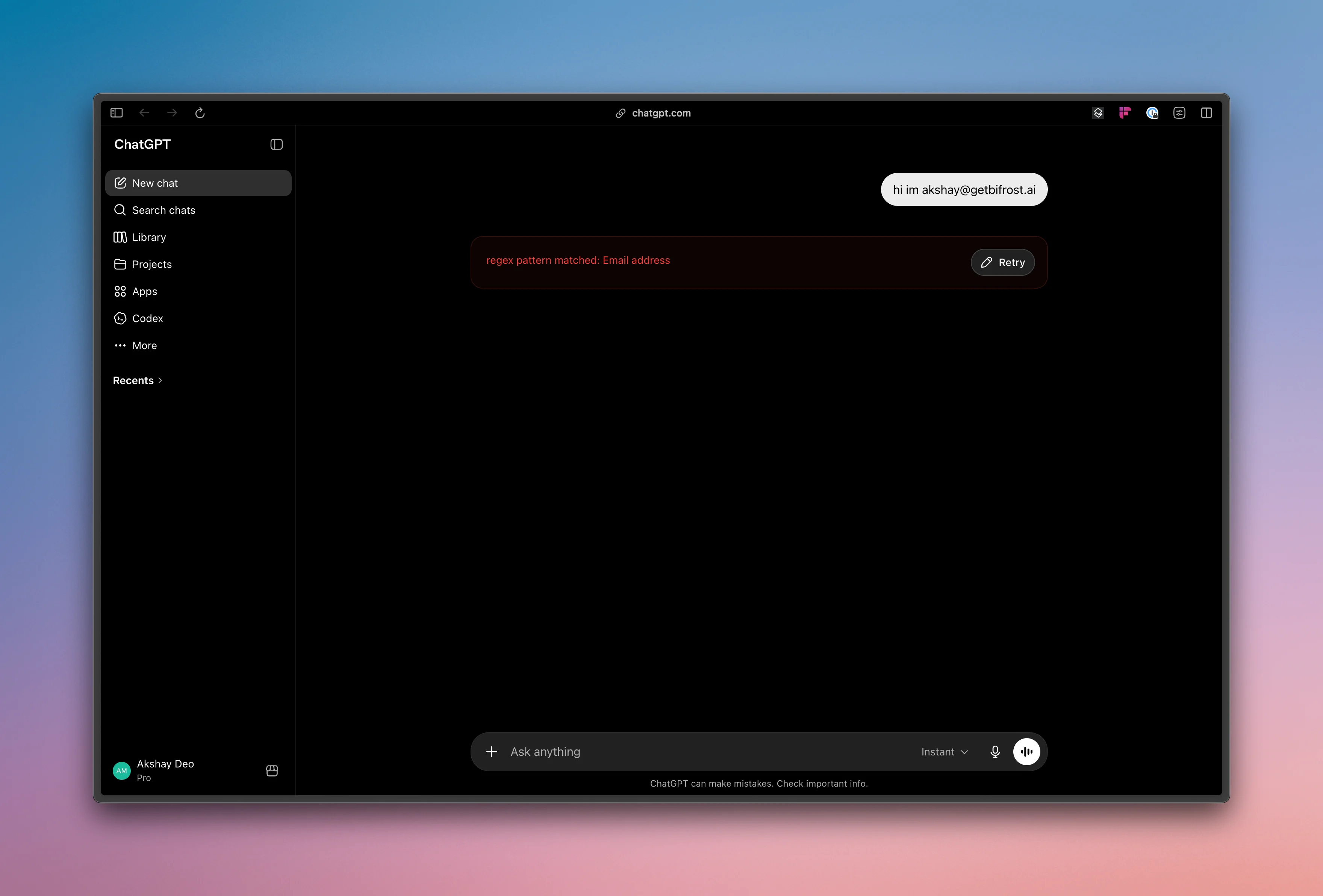
Claude Cowork
AI activity in CoWork is governed by the same rules and profiles, keeping protection consistent across the tools your teams use day to day.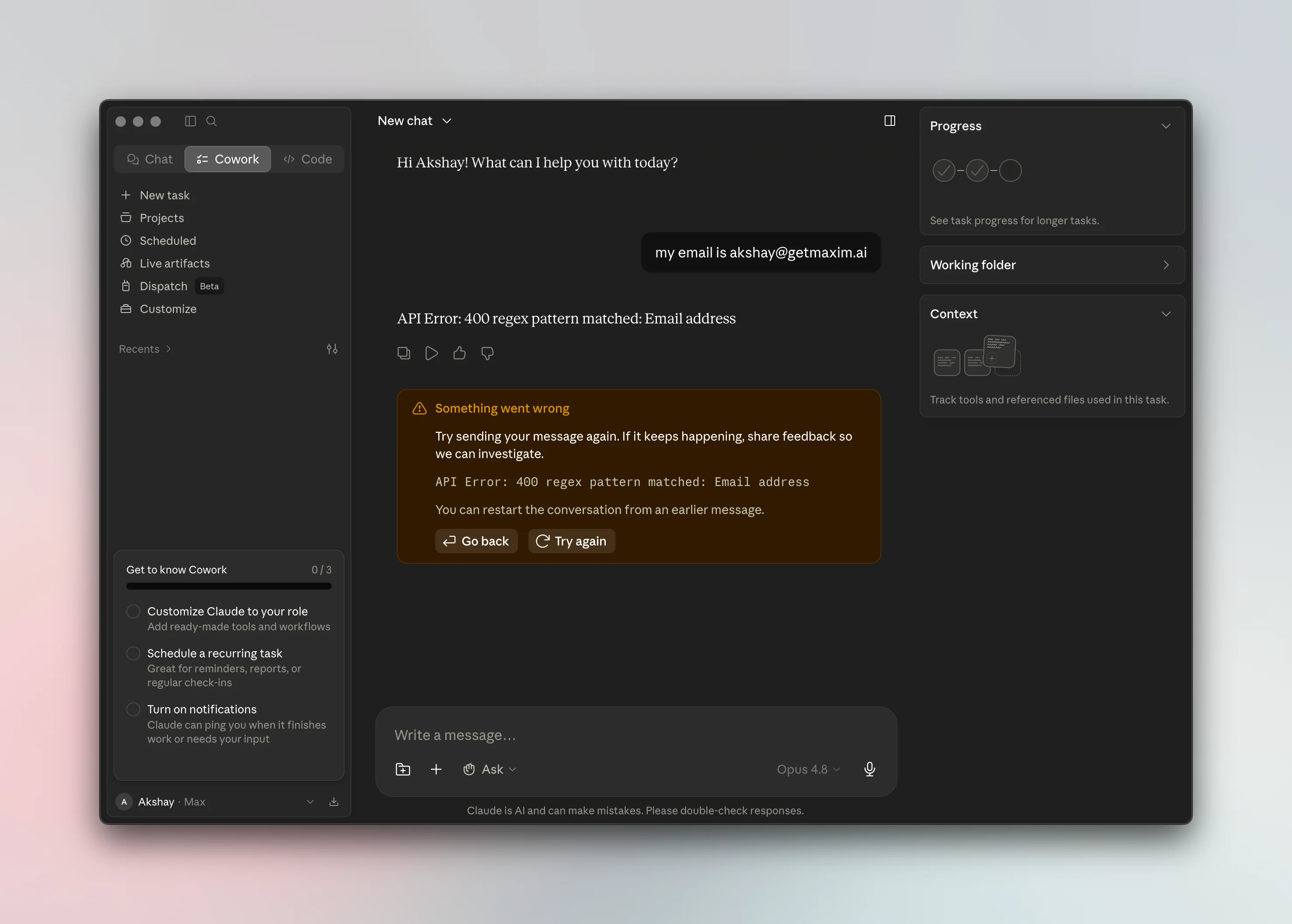
Next steps
- Configure or review your rules in Guardrails.
- Control which apps and tools are allowed in Govern AI apps and Govern MCP servers.
- Roll Edge out to your fleet in Deploy with MDM.