

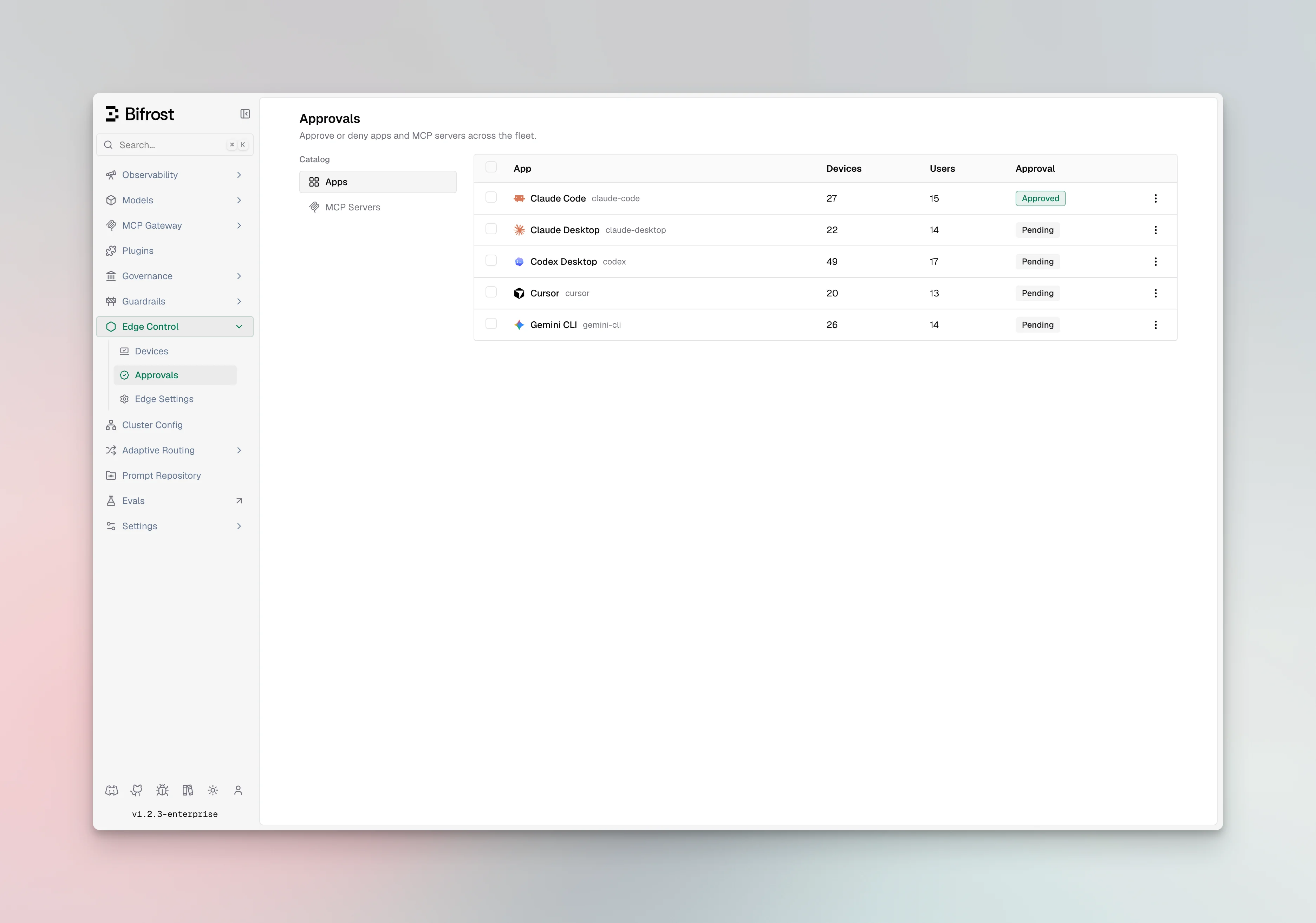
Statuses
Every app and MCP server has one of three statuses:
A newly discovered app or MCP server is pending by default and continues to work until you deny it. Only a denied item is blocked.
Deduplicated catalogs
The catalogs are deduplicated across the fleet, so the same MCP server configured on many machines appears once. You approve or deny it once and the decision applies wherever it appears. Decisions take effect on each device at its next check-in.AI apps
The app catalog lists every AI app seen across the fleet. For each app you can see its name, status, who last changed it, and an optional note.MCP servers
The MCP server catalog lists every server discovered across the fleet, with its name, how it connects (local command or remote URL), and the tools it exposes. Each entry has a status, the user who last changed it, and an optional note.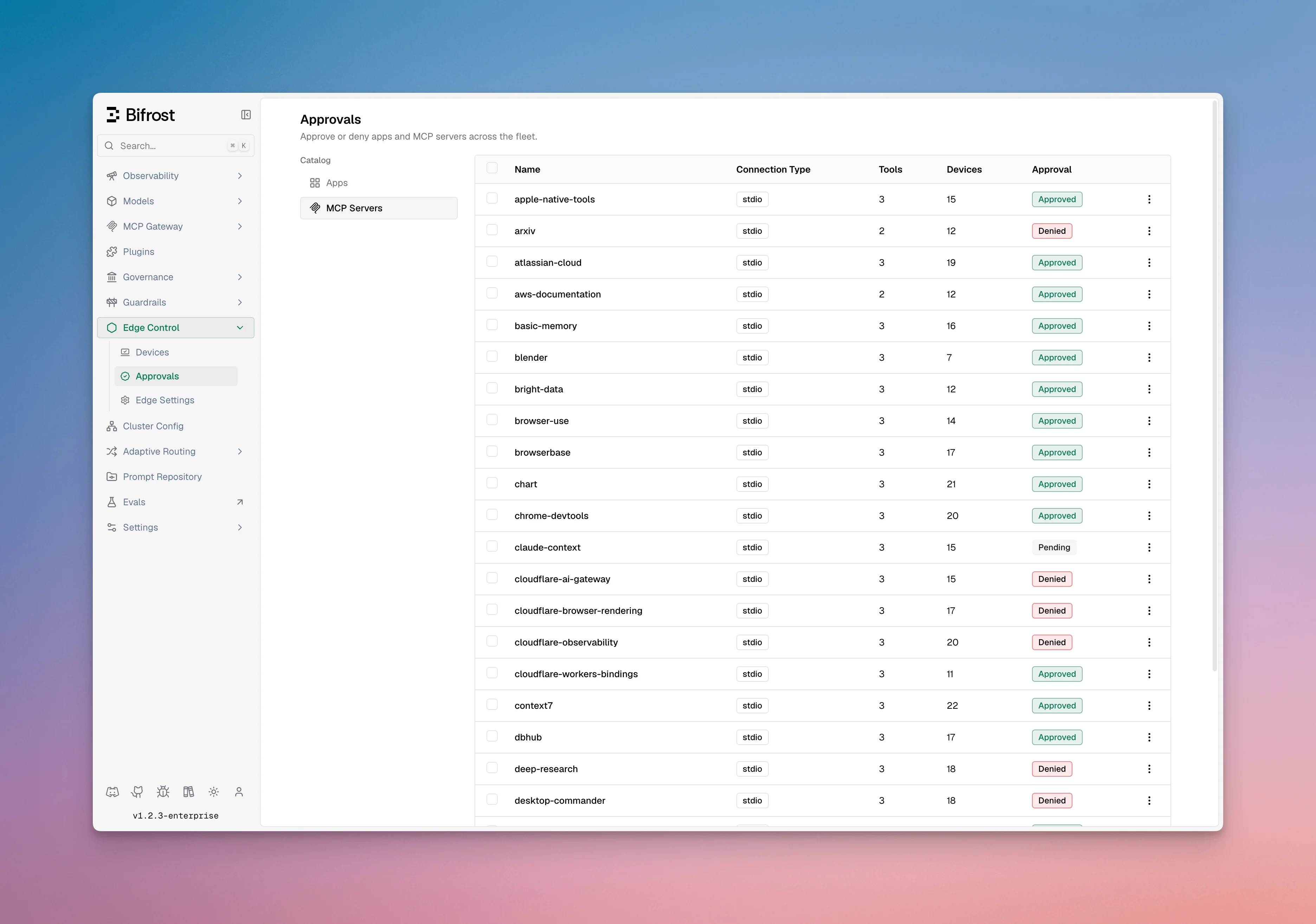
Approving and denying
You can approve or deny a single entry and add a note, or act on many entries at once, including everything in a given status (for example, denying all pending MCP servers).Next steps
- See which machines have a given app or server in Devices.
- Review the end-user behavior in Govern AI apps and Govern MCP servers.