

One sign-in
The first time Edge runs, the user signs in through their browser using your organization’s existing single sign-on. That sign-in links the machine to the user and syncs all policies assigned to them. No API keys are copied or pasted, and nothing sensitive lives in the app itself.An always-on menu-bar agent
Once signed in, Edge lives in the menu bar (macOS) or system tray (Windows and Linux). From there a user can see whether they are connected, which key is active, and turn routing on or off. Most people set it once and never think about it again.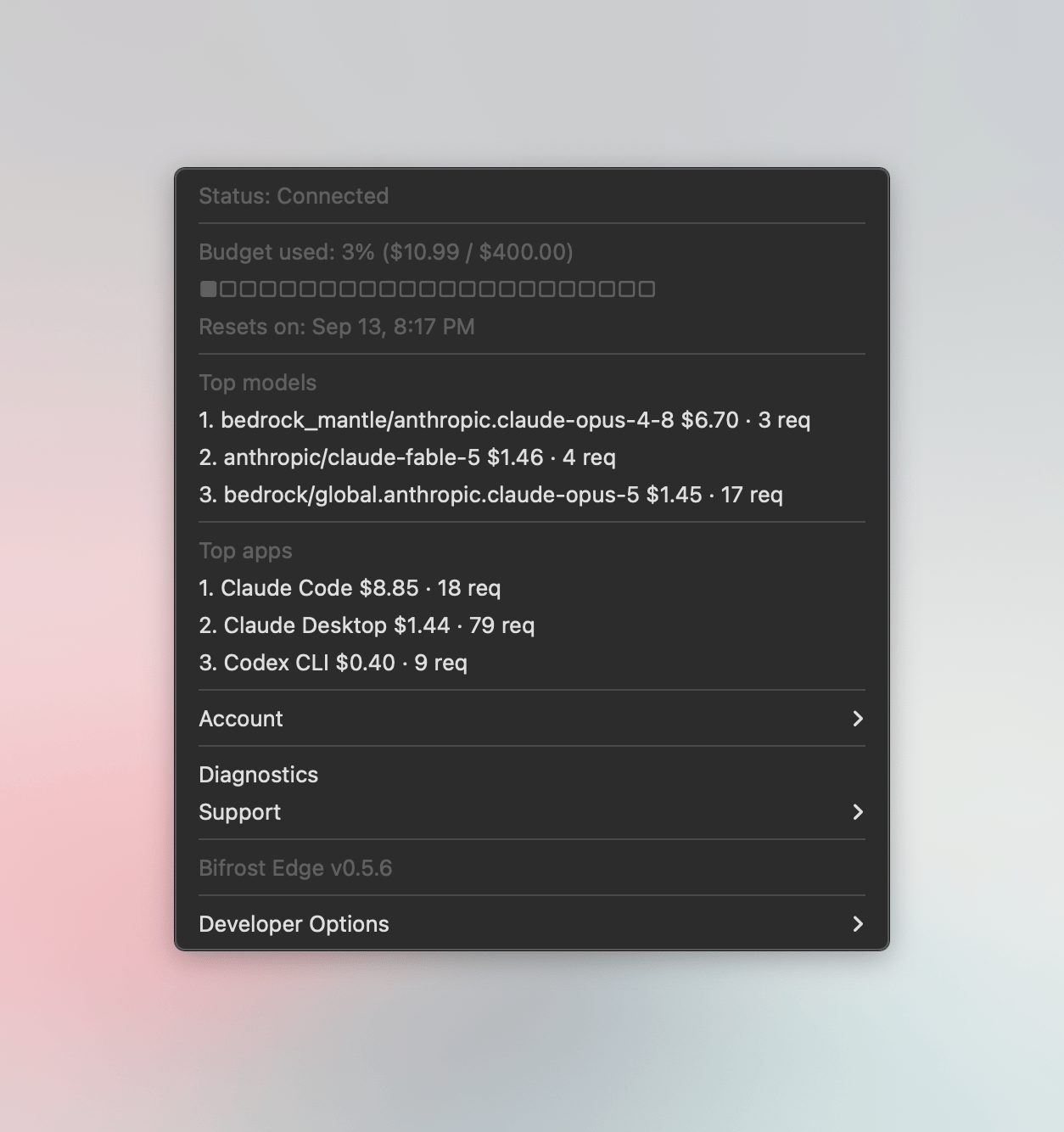
Connection status
A clear indicator shows when AI traffic is being governed, and surfaces a warning if something needs attention.
Key selection
Users with more than one virtual key can pick which one to use, with budget visible at a glance.
Every app, automatically
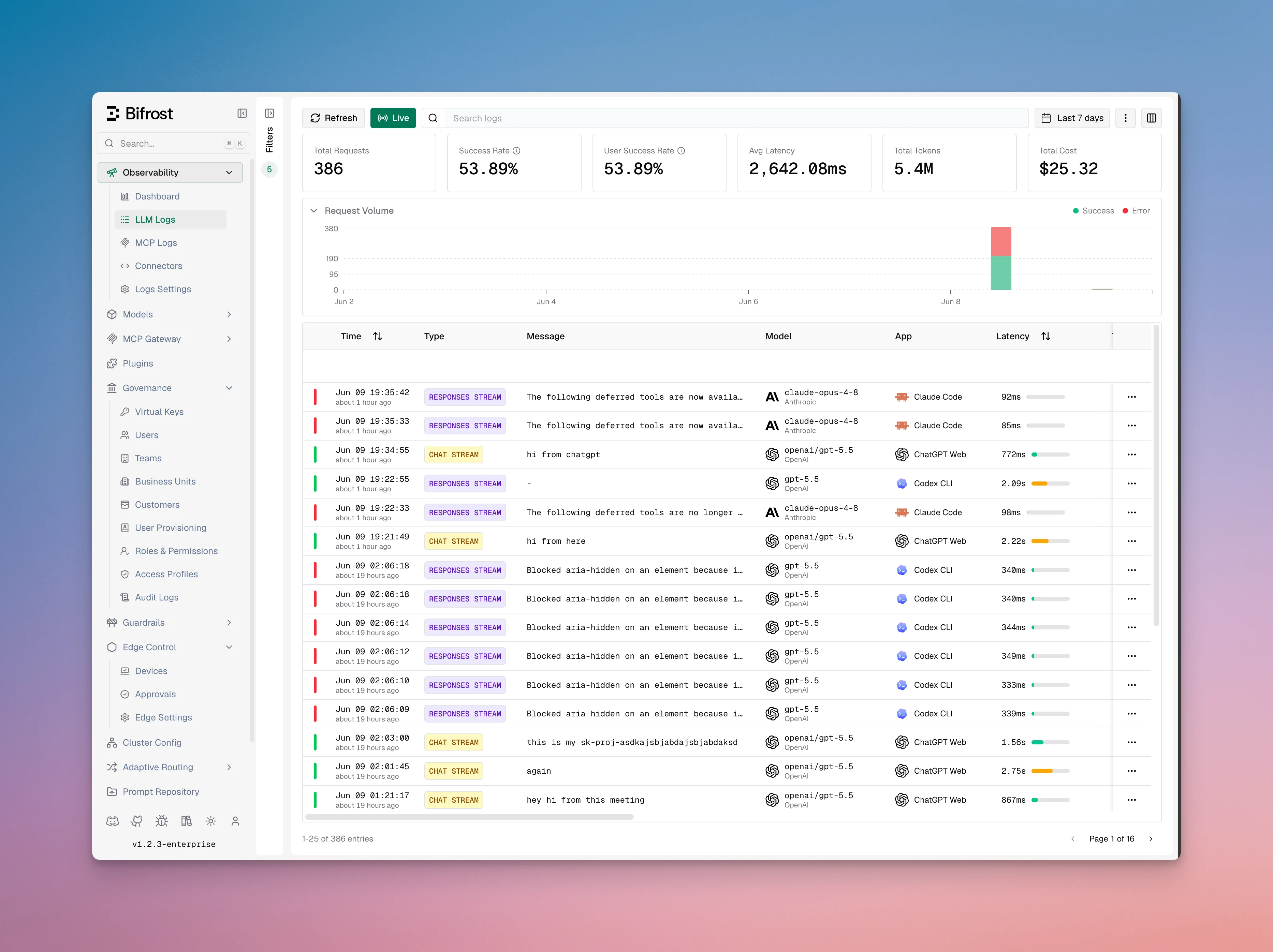
Because Edge routes traffic at the machine level, it covers the AI surfaces people actually use without any per-app setup:Desktop apps
Claude Desktop, the ChatGPT app, Cursor, and other desktop AI clients.
AI in the browser
ChatGPT on the web and other browser-based AI surfaces.
Coding agents
Claude Code, Codex, and similar agents in the terminal and IDE.
Next steps
- Control which apps are allowed in Govern AI apps.
- Control MCP servers in Govern MCP servers.
- Roll Edge out to your fleet in Deploy with MDM.