> ## Documentation Index
> Fetch the complete documentation index at: https://docs.getbifrost.ai/llms.txt
> Use this file to discover all available pages before exploring further.
# Bifrost Edge
> Governance for AI on every machine. Bifrost Edge runs on every computer of your organization and routes all AI traffic - chat apps, browser AI, coding agents, and MCP servers - through your Bifrost so security and compliance stay intact everywhere.
**Bifrost Edge is in alpha.** Be among the first to bring AI on every computer of your organization under governance. Register below and our team will reach out to onboard you.
***
Bifrost Edge extends your AI gateway all the way to the endpoint. Instead of relying on every user to point their tools at Bifrost, Edge runs quietly on each machine and brings **all** AI traffic under governance automatically: desktop chat apps, AI in the browser, coding agents in the terminal and IDE, and the MCP servers those tools connect to. Your existing virtual keys, budgets, audit logs, and guardrails now apply to the AI people actually use, not just the traffic that happened to be configured.
Bifrost Edge runs natively on **macOS**, **Windows**, and **Linux**.
```mermaid theme={null}
flowchart LR
subgraph Laptop["Every computer in your organization"]
Apps["AI apps and surfaces Claude Desktop and Claude Code ChatGPT app and ChatGPT web Codex, Cursor, Gemini MCP servers in each app"]
Edge["Bifrost Edge"]
Apps --> Edge
end
subgraph Company["Your Bifrost"]
GW["Gateway and governance virtual keys and budgets audit logs and guardrails"]
end
Edge -- "routed AI traffic" --> GW
GW -- "policies, app and MCP allow / deny, config sync" --> Edge
```
## Why Edge
Bring the AI tools users already use under governance, without asking anyone to reconfigure their apps.
No base URLs to change, no SDKs to swap. Edge routes traffic transparently the moment it is installed.
Every request inherits your audit logging, budgets, and guardrails - on the laptop, not just in the data center.
***
## What you can do with Edge
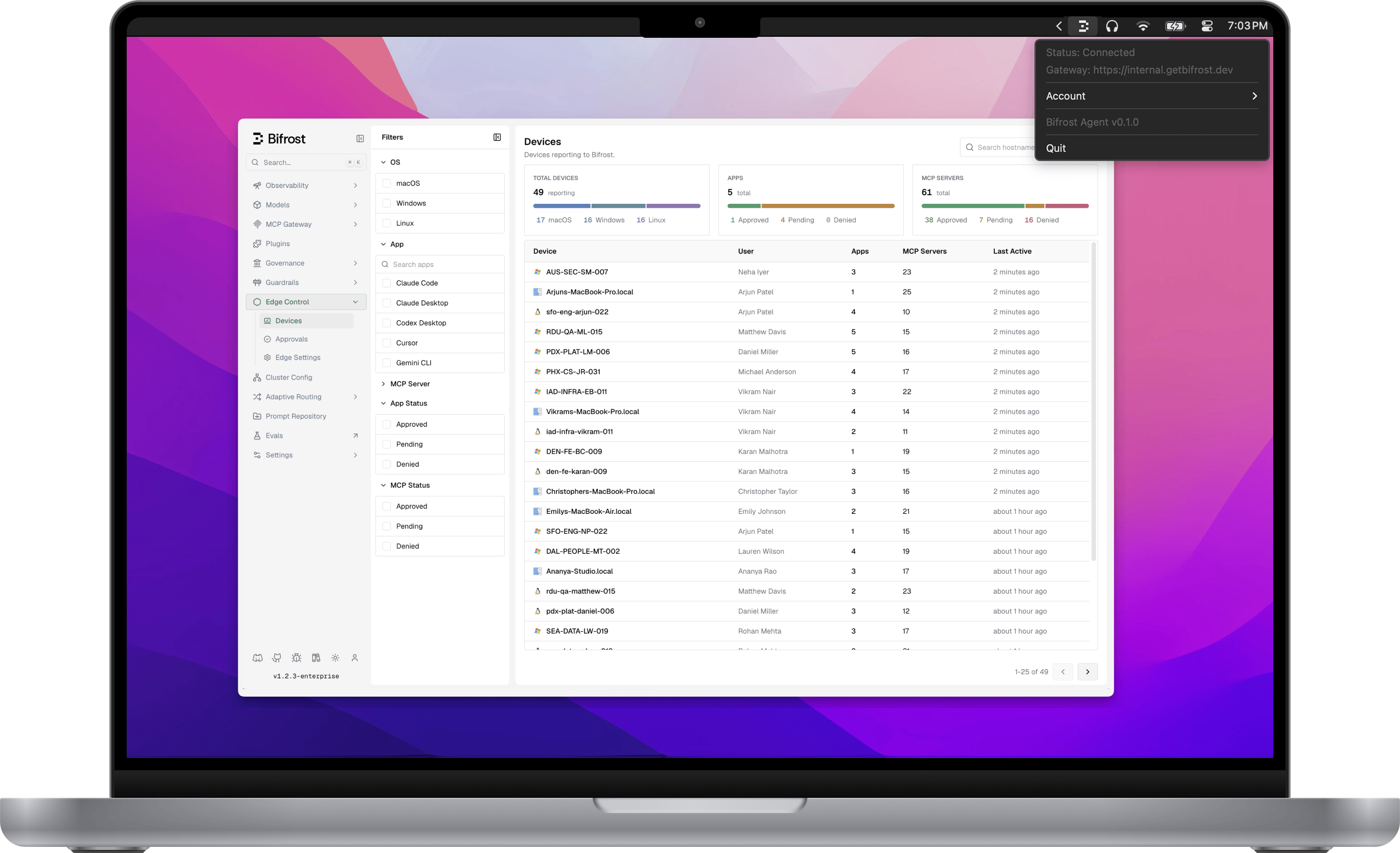
The user experience: one browser sign-in, a menu-bar agent, and every AI request routed through Bifrost.
Decide which AI applications are allowed on company machines, and what happens when one is blocked.
See every MCP server configured across your fleet and allow or deny each one, enforced on the device.
Your guardrails - PII, secrets, content safety, and more - apply to AI traffic from every app, out of the box.
Manage your fleet from one dashboard: devices, app and MCP approvals, and central configuration.
Roll Edge out silently to every machine through Jamf, Intune, or Kandji with a managed configuration.
The full list of AI apps and surfaces Edge governs today, plus how to request a new one.
***
## How it fits with Bifrost
Edge is the endpoint layer of the same platform that powers the [Bifrost gateway](/overview) and [Bifrost Enterprise](/enterprise/overview). The governance you already configure - virtual keys, budgets, rate limits, guardrails, and audit logs - is exactly what Edge enforces on each machine. There is nothing new to learn on the policy side: Edge simply extends the reach of the controls you already trust to the AI running on every desk.
***
## Next steps
* See the day-to-day experience in [How it works](/edge/how-it-works).
* Apply your guardrails everywhere in [Security & guardrails](/edge/security).
* Plan a rollout in [Deploy with MDM](/edge/deployment-mdm).
* Check coverage in [Supported applications](/edge/supported-applications).
* Want in? Use the alpha CTA at the top of this page.
 **macOS**,
  **Windows**, and
  **Linux**.